
Brand delivery for studios
Deliver brands.
Not folders.
The easiest way to turn your finished brand into a premium client experience. Import from Figma or an existing PDF and publish a beautiful Brandpage where clients can explore guidelines, download assets, and always access the latest version.



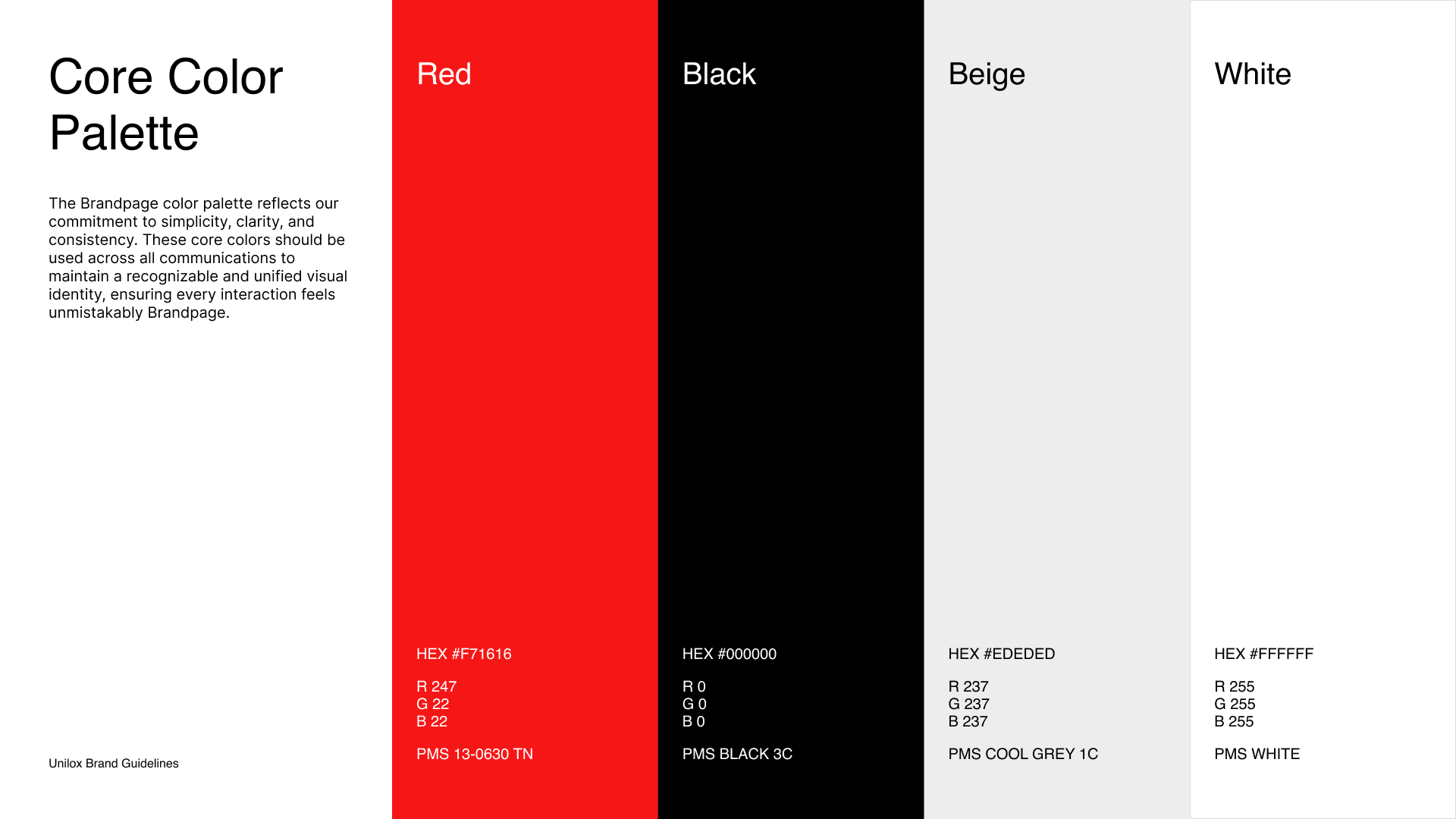
The last impression of your project shouldn't be a ZIP file. You spend weeks crafting a premium identity, then deliver it through PDFs, folders, and Drive links.
Your brand handoff is part of the client experience. It should feel as premium as the brand itself.
Logo_FINAL.zip
Logo_FINAL_v2_USE-THIS-ONE.zip
Brand_Guidelines_FINAL_v4_compressed_USE-THIS-ONE.pdf
Colours_hex.png
Fonts (2).zip
Logo_old_DONT_USE_ASK_SAM.ai
Assets_final(1).zip
Brand_Kit_2024_FINAL_v3_approved_by_client.zip
Typography_Scale.sketch
logo-primary-RGB-transparent-2400px-FINAL-approved.png
Presentation_Template_FINAL_FINAL.key
Brand_Assets_Master_2024_FINAL_v3_do_not_delete.zip
Email_Signature_HTML_final_USE_THIS.zip
Brand_Voice_and_Tone_Guidelines_v2_FINAL.docx
your-brand.brandpage.app
Why Brandpage
Everything you need for a better brand handoff.
Premium Client Experience
Make the final step of every branding project as polished as the work itself. Deliver a beautiful Brandpage instead of PDFs, ZIP files, and Drive folders.
One Home for Your Brand
Bring guidelines, logos, assets, templates, downloads, and resources together in one place. Everything your clients and team need — always easy to find.
Always Up to Date
No more resending files or wondering which version is correct. Update your Brandpage once, and everyone instantly has access to the latest brand.
Built for AI
Your Brandpage isn't just for people — it's a trusted source of truth for AI. Give ChatGPT, design tools, and AI agents the context they need to create accurate, on-brand content without lengthy prompts.
How it works
From finished brand to beautiful Brandpage.
- 01
Import your existing work
Start with your Figma file or an existing brand PDF. No rebuilding from scratch.
- 02
Add everything your clients need
Bring together your logo, brand guidelines, design assets, downloads, templates, videos, and everything else your clients need — all in one place.
- 03
Deliver one Brandpage
Publish a single link your clients can explore, download from, and always come back to for the latest version.
What's inside
Built for the handoff, not the pitch deck.
Rendered, not embedded
Real HTML and inline SVG, so pages load fast, reflow on any screen, and stay readable to search engines. Nothing trapped behind an iframe or a viewer.
Downloads built in
Clients take the right logo in the right format themselves. You stop answering “can you resend the SVG?” six months after the invoice cleared.
Update once, everywhere
Change a page and every link you have ever sent is current. No more brand-final-v3-FINAL.zip sitting in someone's downloads folder.
Your work, not our template
The page looks like what you designed, because it is what you designed. Brandpage renders your layout instead of pouring it into a theme.
Built for AI
Give ChatGPT, Gemini, Claude, and AI design tools instant access to your brand. One Brandpage. Accurate context. Better results.
Why not just…
You already have four ways to do this.
A PDF
Fine to archive.
Out of date the moment you export it. Nobody can pull an SVG out of page nine, so they ask you for it instead.
A Notion page
Quick to write.
Looks like Notion. Your brand ends up wearing someone else's typography.
A Drive folder
Holds the files.
No hierarchy, no guidance. Every question about which file to use lands in your inbox.
A Figma link
Always current.
Needs an account, loads slowly, and invites people to edit your artwork.
Before you ask
Everything we would want to know too.
Do you just embed my Figma file?
No — and this is the part that matters. The plugin reads your frames into a structured document, and our renderer turns that into real HTML and inline SVG. Nothing sits behind an iframe or a viewer, so pages load fast, reflow on any screen, and stay readable to search engines.
Do my clients need an account to open the page?
No. A published Brandpage is a normal public URL — your client clicks it and it opens. It also renders completely without JavaScript, so it survives corporate networks, old browsers, and whatever their IT department has switched off.
Where does the page actually live?
On its own subdomain: your-brand.brandpage.app. Each brand gets its own, so the page reads as your client's rather than as a document parked inside someone else's tool.
Can clients download the real files themselves?
Yes. Downloads are a section of the page, not an attachment to it — the right logo in the right format, taken by the person who needs it. That is the whole point: you stop answering “can you resend the SVG?” six months after the invoice cleared.
Is this a digital asset manager?
No, and deliberately not. Brandpage is the page you hand over, not a library your client administers. There is no cross-project search, no tagging, no per-file permissions or usage dashboards. If you need those, you need a DAM — and you will know it.
What if I don't work in Figma?
Figma is first, not last — import runs through plugins, and more design tools follow. You can also bring an existing brand PDF, and add images, video and code blocks directly in the editor for anything that never lived in a design file.
Stop being your clients' unpaid asset server. Hand over a brand page as considered as the work inside it.